


Office of Grants & Contracts Administration
UAF Mission Statement
The University of Alaska Fairbanks is a Land, Sea, and Space Grant university and an international center for research, education, and the arts, emphasizing the circumpolar North and its diverse peoples. UAF integrates teaching, research, and public service as it educates students for active citizenship and prepares them for lifelong learning and careers.
OGCA Mission Statement
OGCA is UAF's centralized office for research administration, supporting sponsored activities throughout the project lifecycle from proposal development through award closeout. Our mission is to add value at UAF by serving faculty and staff through transparent and efficient processes that facilitate research and other sponsored activities.
OGCA Vision Statement
OGCA promotes a culture of accountability, responsibility, and transparency by providing
excellence in service, valuing collaborations, creativity, and consistency by creating
an enriching environment to facilitate research and other sponsored activities.
OGCA Guiding Values
- Leadership: Demonstrating energy and commitment to improving results
- Creativity: Encouraging innovation, flexibility, and adaptability
- Communication and Consistency: Encouraging and promoting open communication
- Teamwork: Working cooperatively as a member of a team and being committed to the team vision and mission.
- Integrity: Demonstrating honest behavior.
- Accountability: Taking responsibility and ownership for decisions, actions, and results.
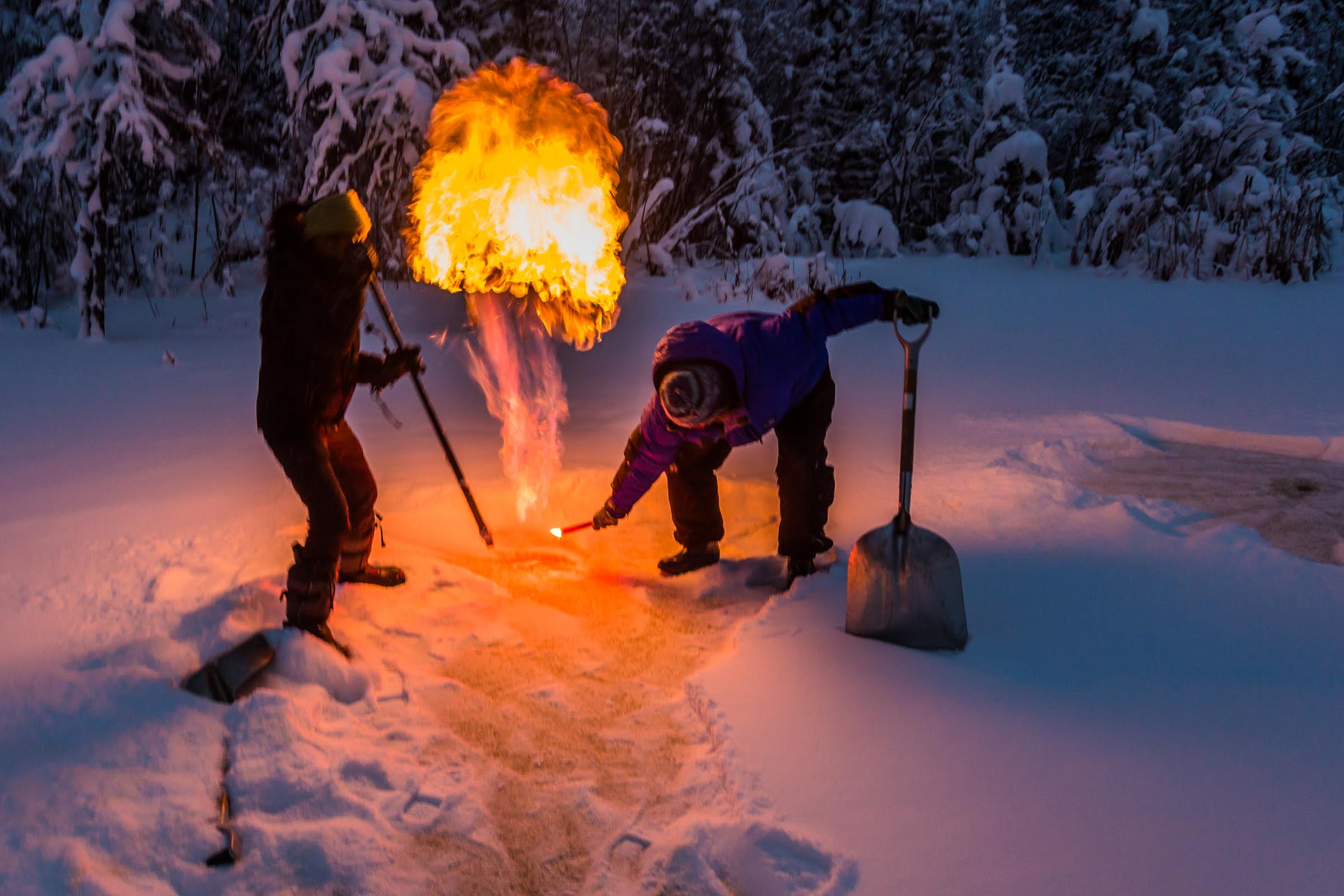
UAF researchers are studying how methane released by a warming Arctic is a powerful force in global climate change. Prajna Lindgren, left, with the Geophysical Institute, and Melanie Engram with the Water and Environmental Research Center, demonstrate the release of methane form frozen ponds through the far north
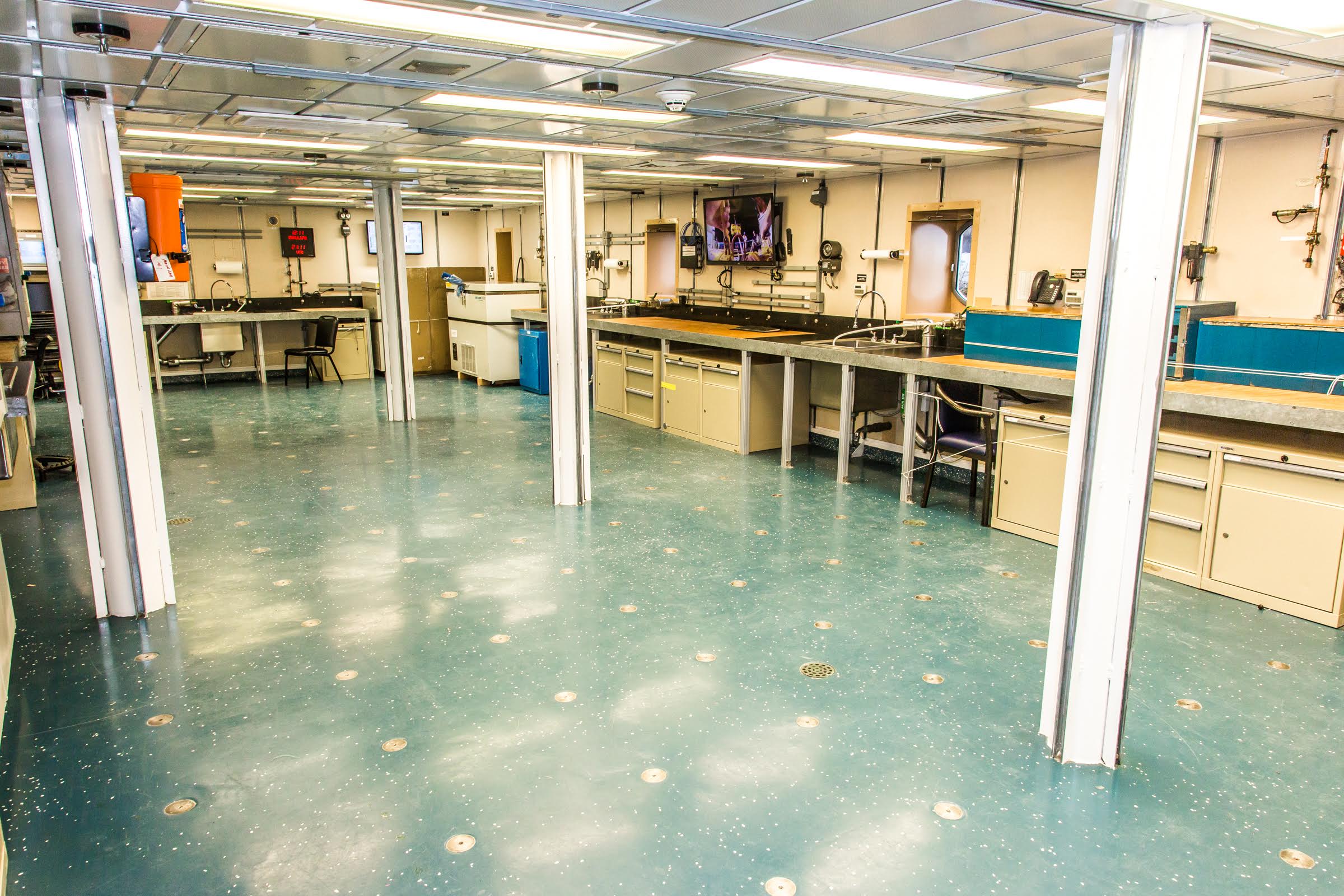
A view of one of the labs off the main deck of the R/V Sikuliaq as it sits at the dock in Juneau during a stopover on its inaugural voyage to its home port of Seward.
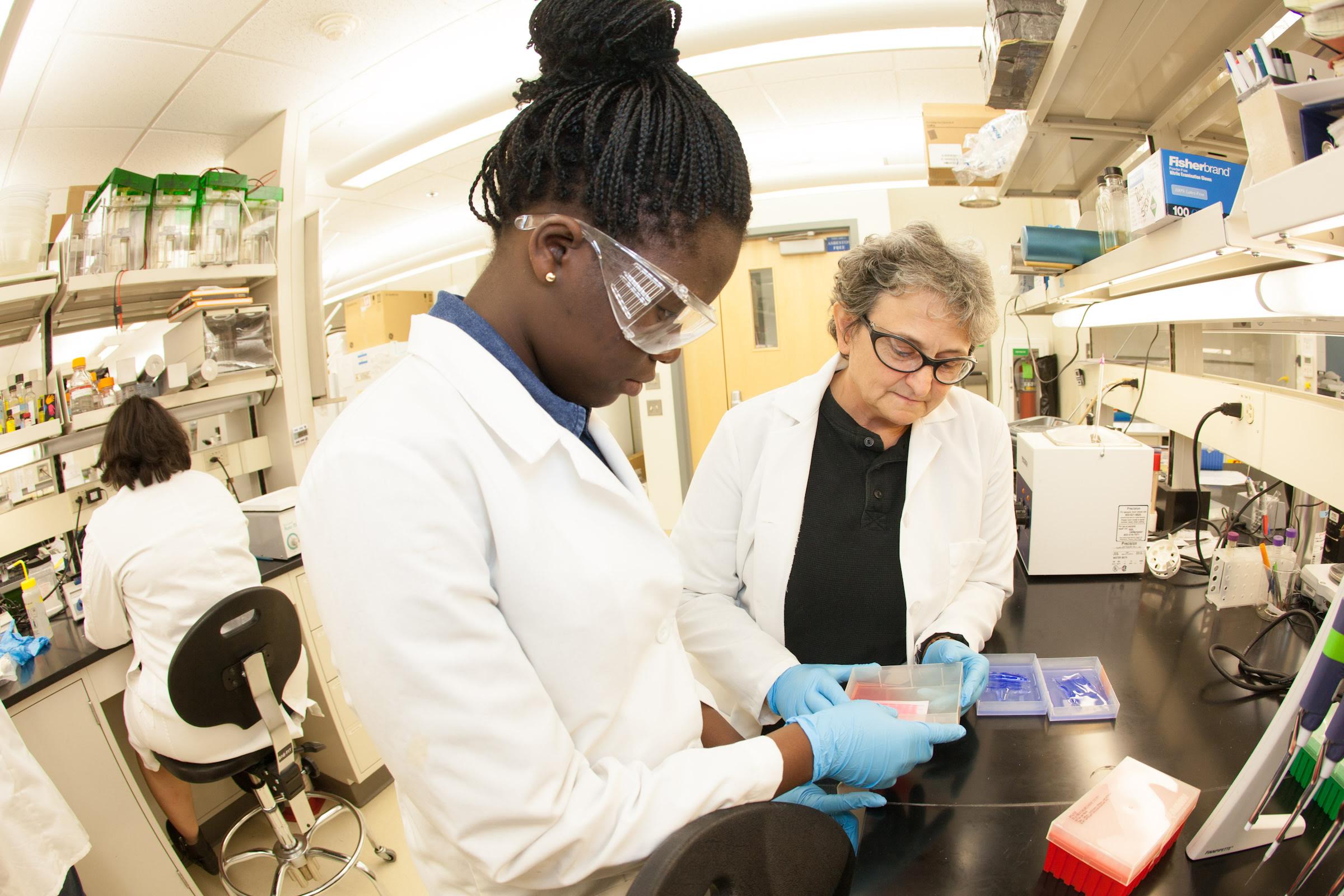
Ololade Olawale (left) and teacher, Paula Dell of Chicago look at samples taken in Antarctica at the Arctic health and Research Building.
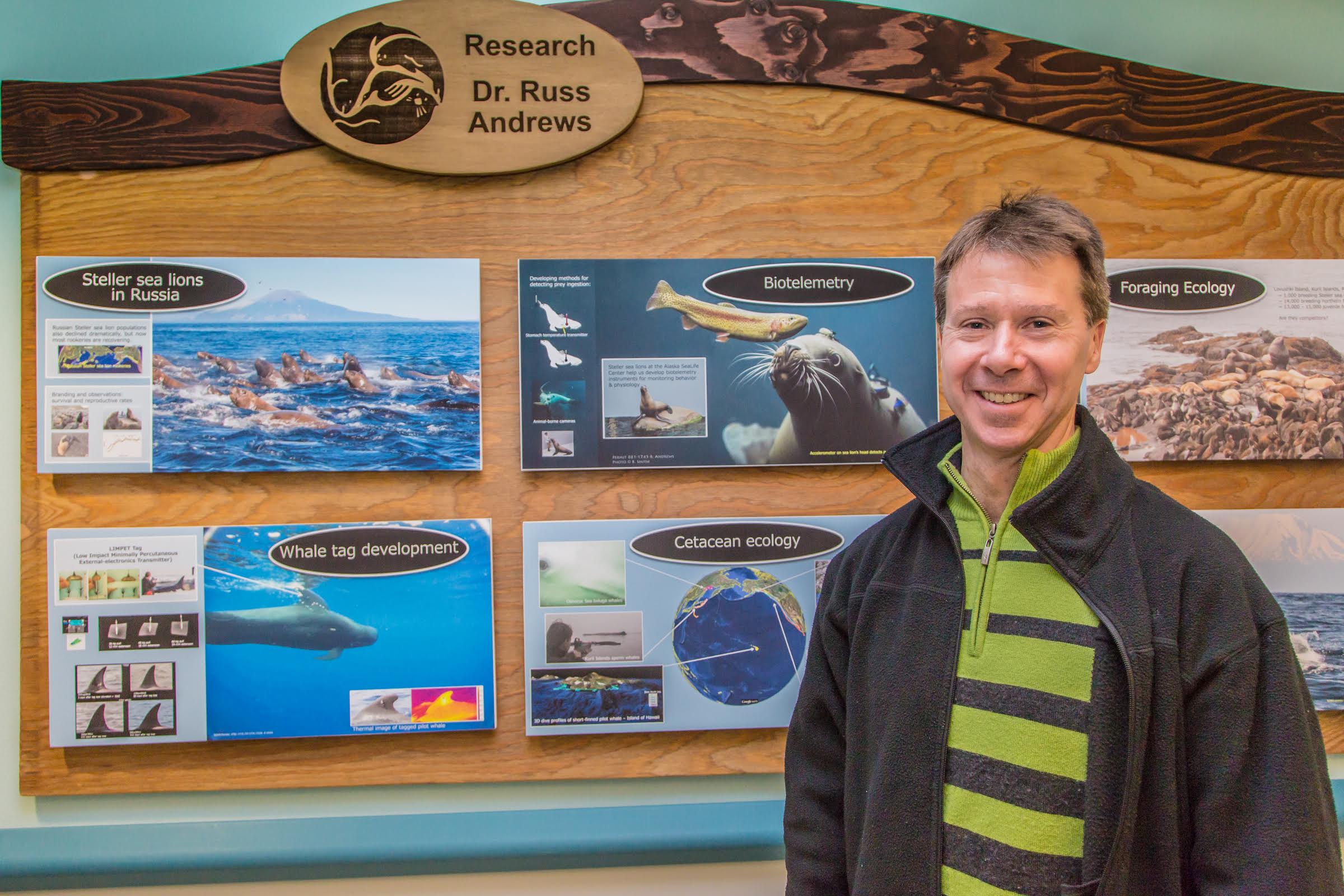
Research Assistant Professor Russ Andrews stands by one of his posters on display at the Alaska Sea Life Center in Seward.
Major Functions
- Proposal Preparation, Analysis, and Submission
- Award Negotiation and Liaison with Sponsors
- Award Acceptance and Execution
- Post-Award Management and Administration
- Policy Guidance
- Service to Faculty and Units, including Training and Development Activities around Research Administration
- Information and Reporting
Please note that this site is continually being updated to ensure you have the most current and relevant content. In the meantime, if you cannot find something or need assistance, please let us know!