

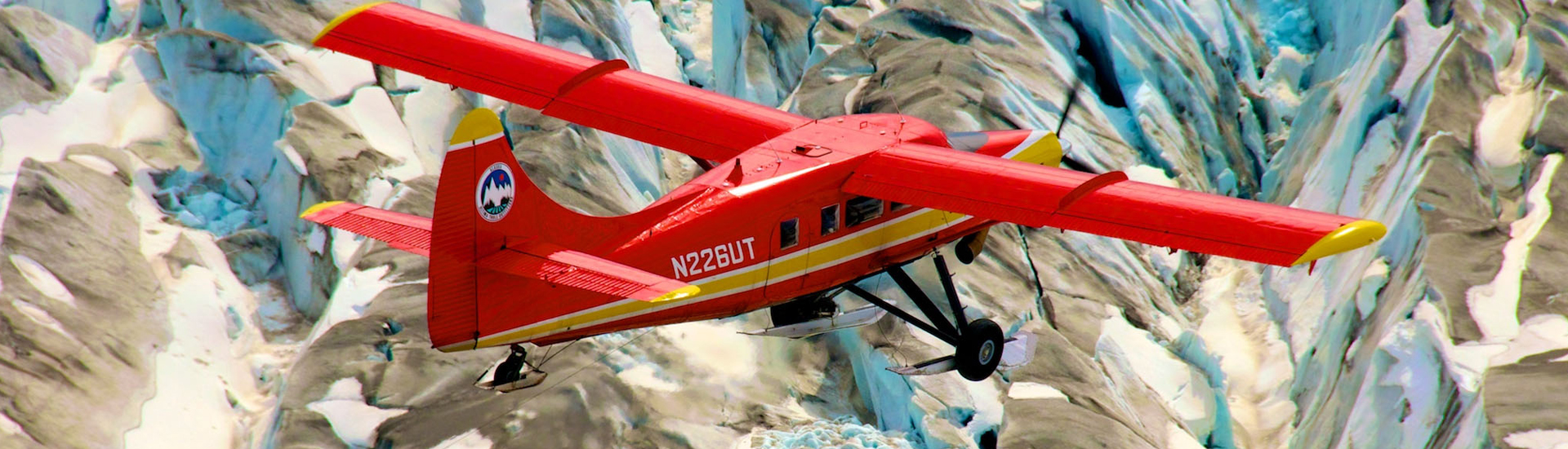


Geosciences is the study the Earth and its people through geography, geology and geophysics. This includes a broad range of subjects like volcanism, plate tectonics, glaciology, remote sensing and mineralogy. Geography can focus on physical science or it can investigate the patterns and processes that shape human society like religion or economics. Geoscience jobs are plentiful, salaries are competitive, and the demand for young and enthusiastic geoscientists is expected to grow.
- For students interested in geosciences, Alaska is one of the most exciting natural laboratories on Earth.
- Alaska saw the world’s largest volcanic eruption and second largest earthquake during the last century.
- Together with western Canada, Alaska contains the largest ice mass outside of Antarctica and Greenland.
- Global change is warming Alaska and causing dramatic changes to permafrost, glaciers, and sea ice.
- Alaska is an area of active exploration for and discovery of mineral and energy resources such as oil and rare earth minerals.
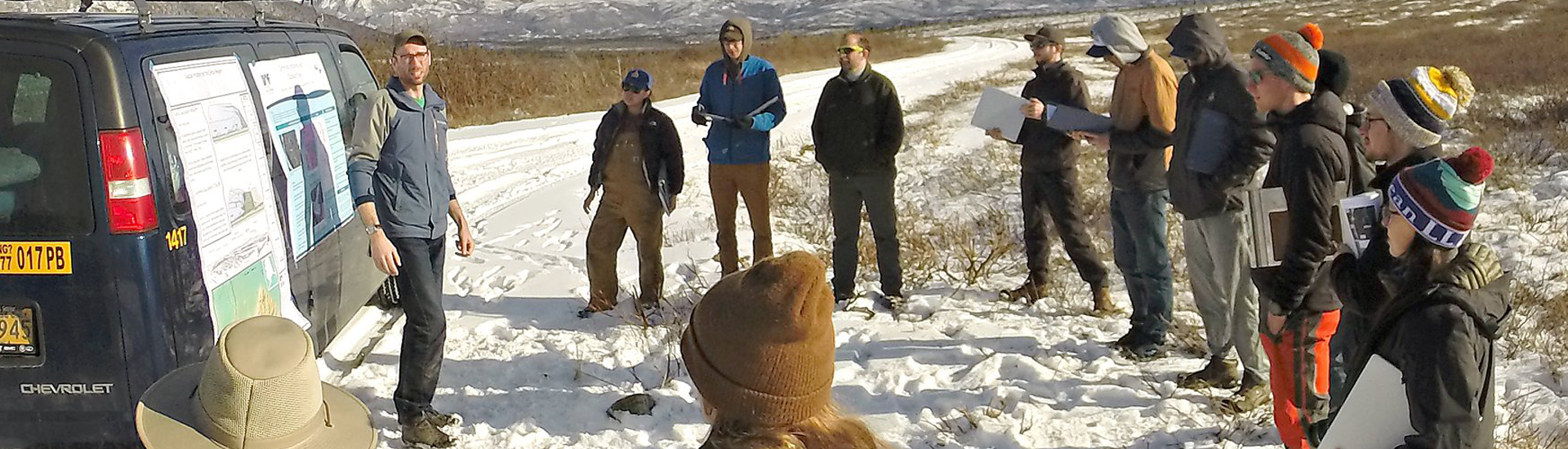
- Our program emphasizes field experience with classes like the geology field camp in which students practice geological mapping in remote mountains.
- Our research spans the globe with faculty work at research sites like Japan, Russia, Antarctica. One even studies the geology of Mars.
Our classes allow you to explore
- Economic Geology
- Earth Science
- Geochronology (studying timescales embedded in rocks),
- GIS
- Glaciers
- Lake, river & sea ice
- Landscape analysis through geography
- Paleontology
- Permafrost
- Natural hazards and their mitigation
- Remote sensing
- Rocks and minerals
- Stratigraphy & sedimentation
- Teaching geology at a middle or high school
- Tectonics
- Volcanoes
- and more…
Career opportunities with a degree in the Geosciences
Bureau of Labor Statistics: Here is an outlook of careers in the Geosciences
Some of the questions related to geosciences that UAF researchers are asking
Institutes, programs and labs that foster our student and faculty research
The Department of Geosciences and UAF embrace a culture of respect, belonging, and caring.
The University of Alaska Fairbanks is an equal opportunity/equal access employer and educational institution. UAF does not discriminate on the basis of race, religion, color, national origin, citizenship, age, sex, physical or mental disability, status as a protected veteran, marital status, changes in marital status, pregnancy, childbirth or related medical conditions, parenthood, sexual orientation, gender identity, political affiliation or belief, genetic information, or other legally protected status. The University's commitment to nondiscrimination, including against sex discrimination, applies to students, employees, and applicants for admission and employment. Contact information, applicable laws, and complaint procedures are included on UA's statement of nondiscrimination available at www.alaska.edu/nondiscrimination/.